
About
MinerSearch is a utility for detecting suspicious files, processes, services and other artifacts associated with hidden cryptocurrency miners.
The utility scans the system, suspends malicious processes, moves files to quarantine and generates detailed reports. Console mode and command-line parameters are supported.
-
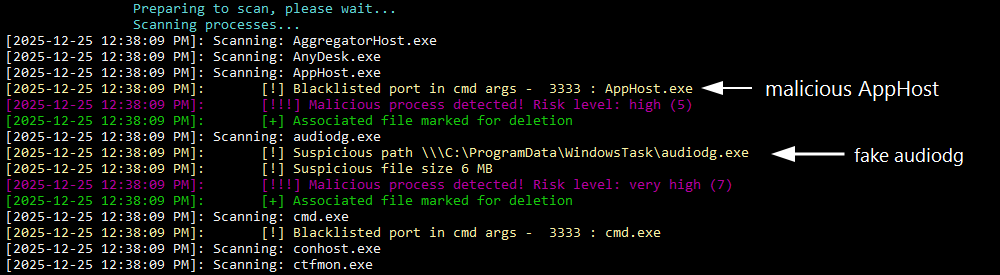
Process Scanning
Search for suspicious processes by signatures, ports and behavior
-
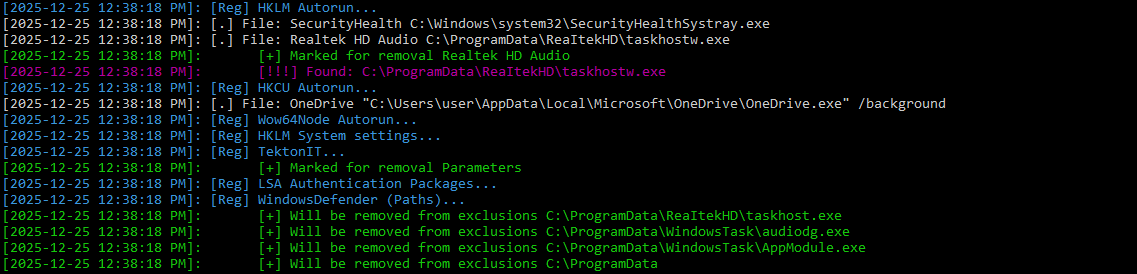
Registry Check
Analysis of startup files, unwanted settings, and suspicious entries in the system registry.
-
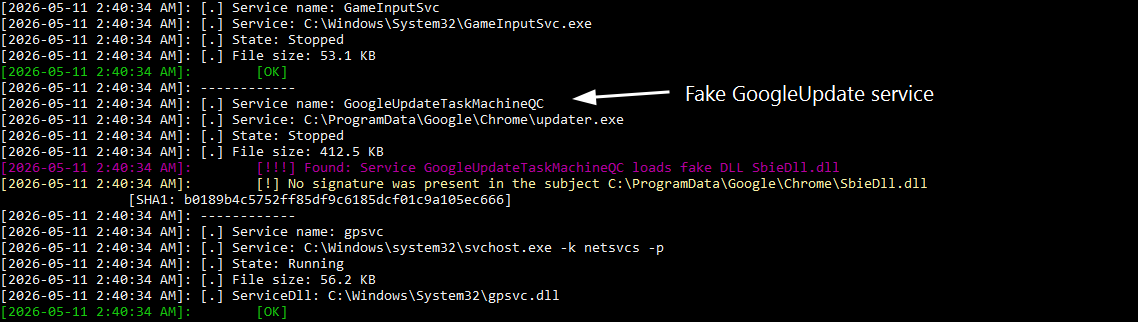
WMI and Services
Check WMI integrity and suspicious Windows services
-
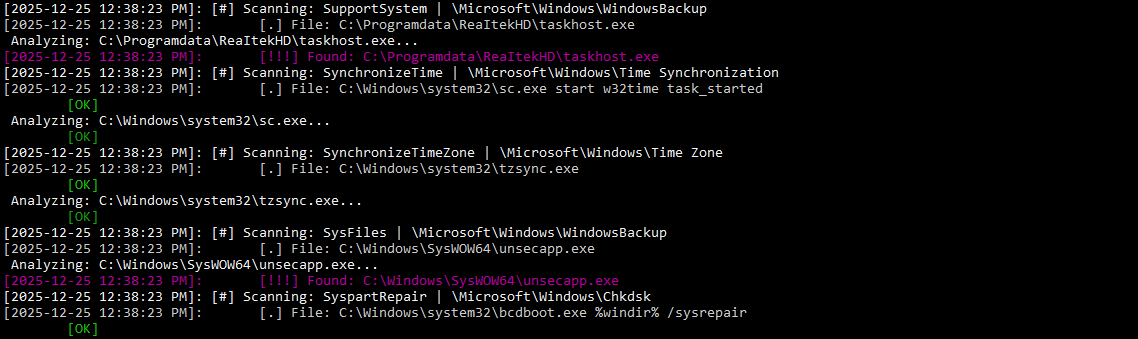
Task Scheduler
Analysis of the task scheduler and malware persistence mechanisms. Analysis in Windows Safe Mode is supported.
-
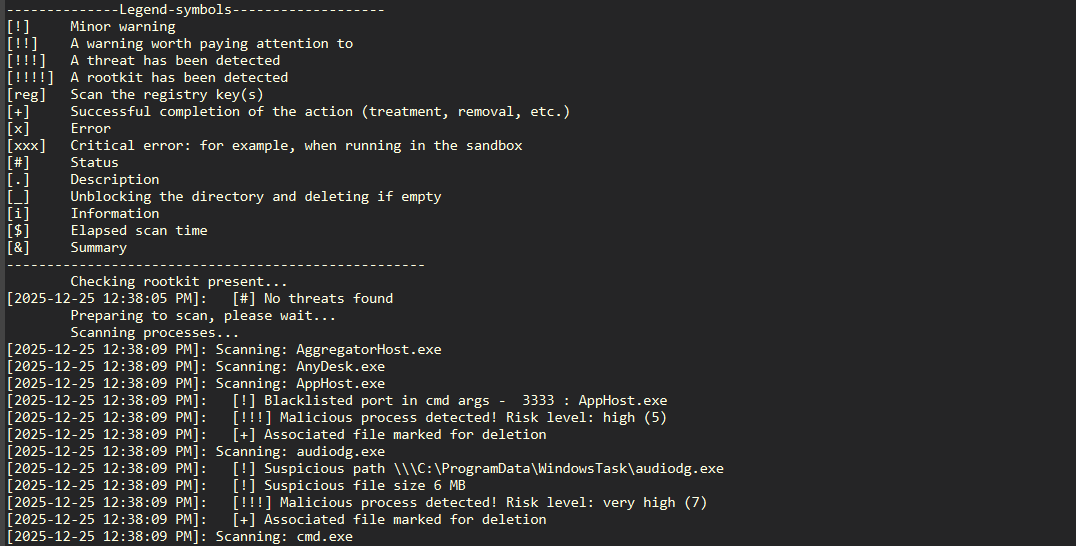
Logging
Detailed reports on each scanning stage and found threats
-
Advanced Scanning Options
Wide range of launch parameters for precise scanning configuration
Usage
- Download the latest version from GitHub Releases and extract the archive into a separate folder.
- Run application as administrator. On first launch, program offers to send scan results – this is optional.
- Wait for the scan to complete.
- If unknown threats are found, the "Threat Review" window opens: choose an action for each item (Cure, Quarantine, Delete, Terminate, Disable, Skip) or set a single action for all. The "Set recommended" button restores the analyzers' recommendations; automatic acceptance can be enabled in settings or with the -norev parameter.
- When finished, a form opens with a brief report. "Open Report" shows the detailed report, and "Open Quarantine" opens the quarantine manager, where you can delete or restore files, scheduled tasks and services.
To change the language, create a file
language.cfg
in the program folder and specify
RU
or
EN.